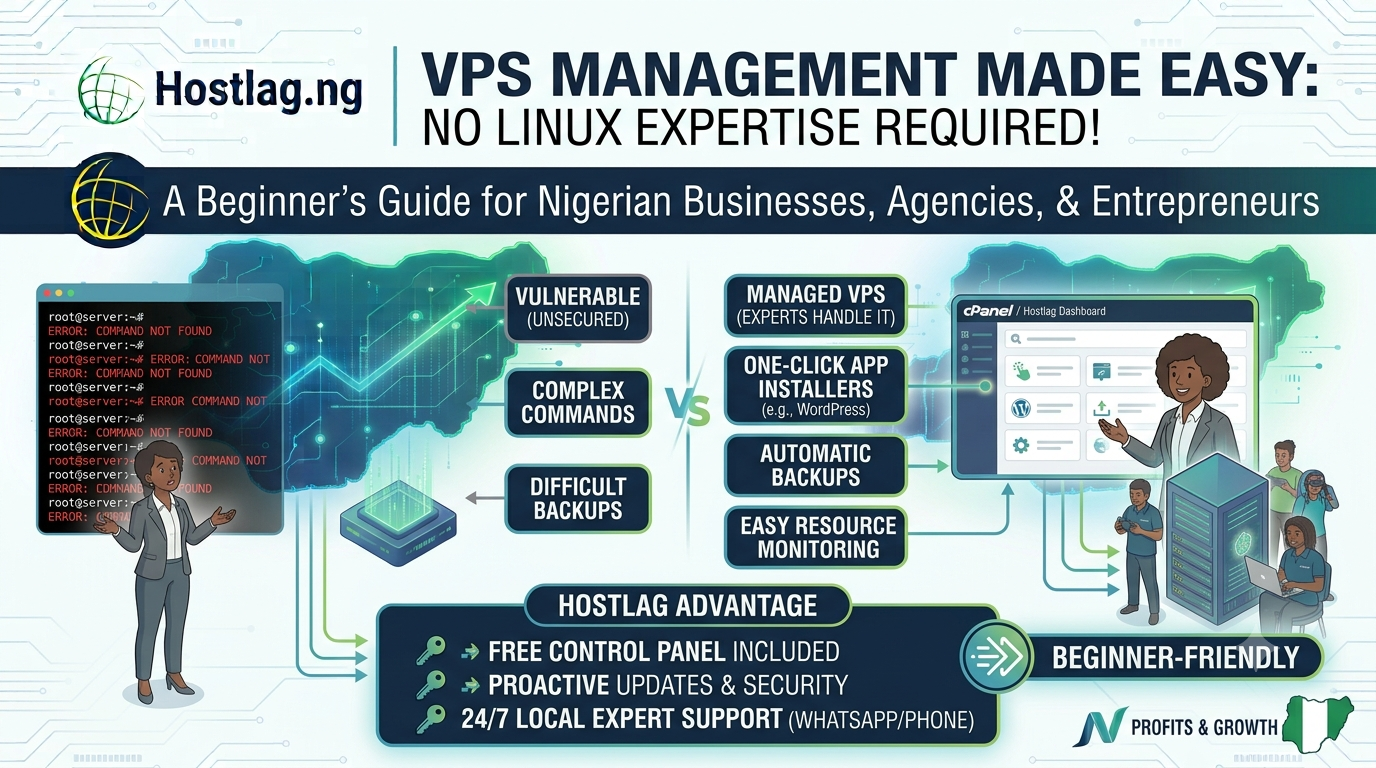
Many Nigerians hesitate to upgrade to VPS hosting because they fear complex server management—especially if they aren’t Linux experts. The good news? You don’t need to be a sysadmin to run a high-performance VPS. This guide shares practical tips, tools, and Hostlag support options to help you manage your VPS confidently, even as a beginner.
Let Hostlag handle server setup, security, software updates, and troubleshooting
Focus on your business or website while experts manage the tech
Install a graphical control panel for point-and-click server management
Manage domains, databases, emails, backups, and apps with zero command-line work
Tools like Softaculous let you install WordPress, Joomla, and 400+ apps with a single click
No need for manual uploads or database setup
Use Hostlag’s snapshot backups or schedule cPanel backups
Restore your site to a previous state with a single click if anything goes wrong
Use built-in dashboards for resource usage (RAM, CPU, storage)
Set up email alerts for high resource usage or downtime
Hostlag’s Nigerian team is available via WhatsApp, phone, ticket, and live chat
Managed VPS clients get priority support and troubleshooting
Even a few simple commands (like reboot, update, or directory navigation) can be helpful
Plenty of free tutorials and resources online
Managed VPS plans for total peace of mind
Easy-to-use control panels included
Local support whenever you need it
Do I need to know Linux to use VPS?
No—choose managed VPS and a control panel for a beginner-friendly experience.
What if I break something?
Restore from backup or contact Hostlag for help—no need to panic!
Can I learn more as I go?
Absolutely—start simple and add skills over time.
You don’t have to be a Linux expert to enjoy the power and flexibility of VPS hosting. With Hostlag’s managed plans, intuitive control panels, and expert local support, anyone in Nigeria can run a secure, high-performance VPS—no tech degree required.
Hostlag: Beginner-friendly VPS management for every Nigerian business.